
Introduction
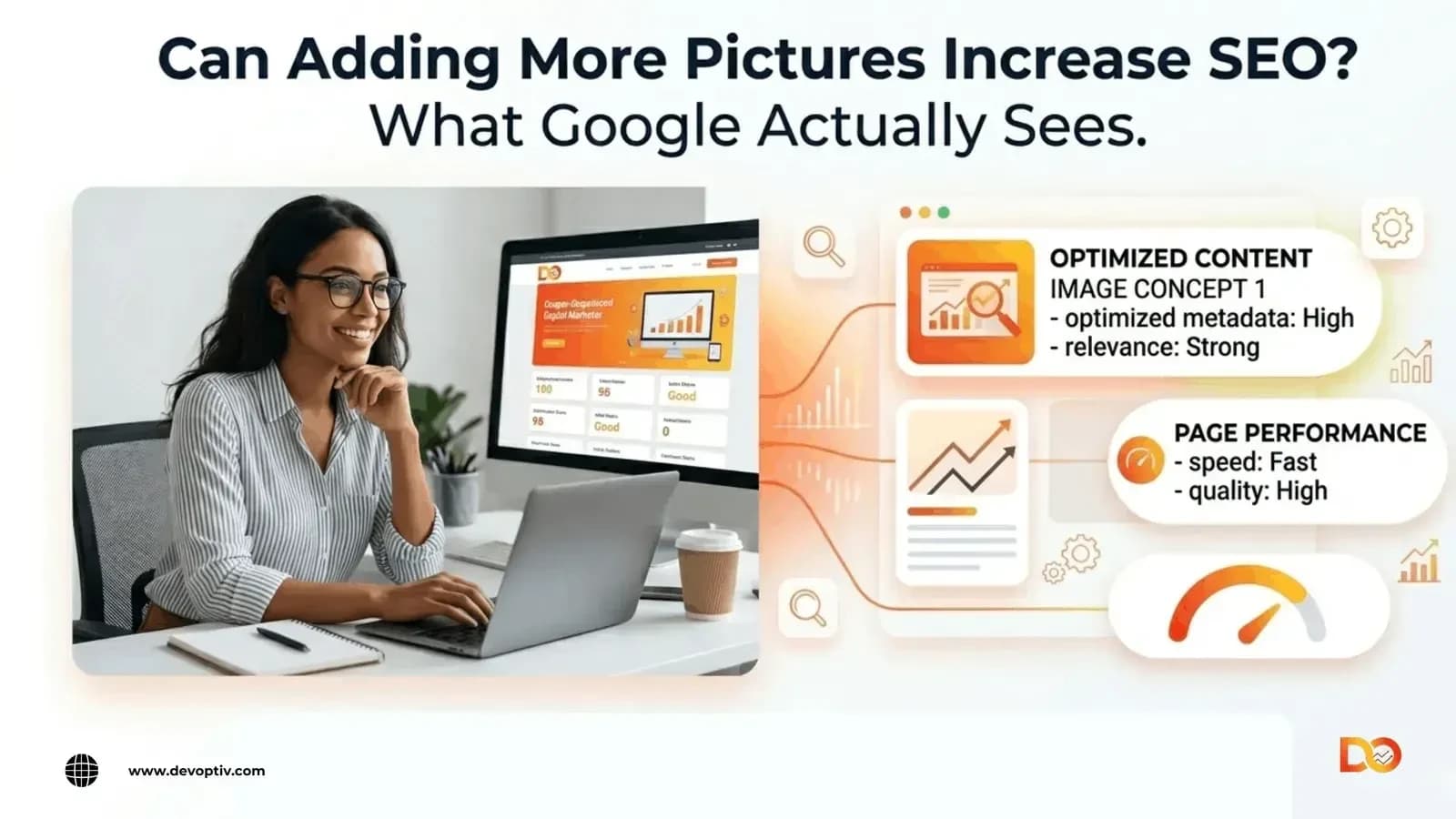
Yes, adding more pictures can help SEO, but only when done right. Simply uploading more images to a page does not guarantee better rankings. What actually matters is whether those images are relevant, properly optimized, and genuinely useful to the reader.
Search engines like Google don’t interpret images visually the way people do. They rely on surrounding text, file names, alt text, and page performance signals to understand what an image is and whether it adds value. When pictures support the content, improve engagement, and load quickly, they can give your SEO a real boost. When they are random, oversized, or missing key metadata, they can quietly work against you.
Here is what you need to know about using images to support your search rankings and what to avoid.
Can Adding More Pictures Increase SEO?
The honest answer is: it depends on what you do with them. Pictures can help SEO when they:
Help your content become clearer and easier to consume
Encourage users to stay engaged and spend more time on the page
Align your visuals with what users are actively searching for (search intent)
Are properly optimized so they can appear in Google Images
On the other hand, if you are adding images purely for the sake of having more visuals without alt text, without compression, without relevance you are unlikely to see any SEO benefit. In some cases, unoptimized images can actively drag your page speed down, which hurts your rankings.
More pictures is not the goal. More useful, optimized pictures are.
How Pictures Help SEO
Better User Engagement
Walls of text are hard to read. When you break up content with relevant visuals, diagrams, screenshots, examples, or supporting photos readers find it easier to follow along. That engagement signals to Google that your content is worth showing to more people.
More Time on Page
A well-placed image can stop a user from bouncing. If a visual explains a concept clearly or adds something the text cannot, visitors tend to scroll further and stay longer. Time on page is a soft signal that content quality is high.
Image Search Traffic
Optimized images can show up in Google Images and Google Discover, opening an additional source of traffic beyond standard search results. For recipe blogs, e-commerce products, interior design, or tutorial content, image search traffic can be substantial.
Improved Content Understanding
Visuals help both readers and search engines grasp what your content is about. A labeled diagram of a process, a branded infographic, or a relevant screenshot adds context that reinforces your topic and supports topical authority.
Better Conversion Support
For service businesses and product pages, strong visuals build trust. A photo of real work, a team, or a result makes your offering more tangible. That trust directly supports conversions which is the real business goal behind good SEO.
When More Pictures Can Hurt SEO
Large Image Files Slow Down Pages
This is a frequent mistake and one that can seriously harm performance.. A single uncompressed image can be 3–5 MB. Add a few of those to a page and your load time climbs sharply. Google measures page speed through Core Web Vitals, and slow pages lose rankings. Compress every image before uploading.
Too Many Irrelevant Images Distract Users
An image of a generic handshake on a legal services page does not help the reader understand anything. Visuals that feel disconnected from the topic reduce clarity and can make your content feel low-effort which erodes reader trust.
Missing Alt Text Wastes SEO Value
Every image on your page is an opportunity to tell search engines something relevant about your content. When you skip the alt text, you leave that opportunity on the table. You also make your site less accessible, which is increasingly important for both users and compliance.
Poor Mobile Layout Hurts User Experience
Images that look fine on desktop can break, overflow, or slow down mobile pages. Since Google indexes the mobile version of your site first, a poor mobile image experience can directly affect your rankings.
Duplicate Stock Images Reduce Originality
Overused stock photos, the kind that appear on thousands of websites, do nothing to differentiate your content. They can make pages feel generic and lower the perceived quality of your brand. Original visuals, even simple ones, almost always outperform stock photography.
Best Practices for Optimizing Images for SEO
Use Descriptive File Names
Before uploading, rename your image file to reflect what it shows. A file named
image-seo-best-practices.jpg gives search engines useful context. A file named IMG_4873.jpg tells them nothing. This small step takes seconds and supports image SEO consistently across your site.
Write Clear, Natural Alt Text
Alt text should clearly explain what the image depicts in simple, natural language. If a relevant keyword fits smoothly, include it, but avoid keyword stuffing. For instance: alt="screenshot of Google Search Console displaying image indexing data" is effective, whereas alt="SEO SEO image SEO tips Google" is not.
Compress Images Before Uploading
Use a tool like Squoosh, TinyPNG, or ShortPixel to reduce file size without a visible drop in quality. A 200 KB image and a 2 MB image can look identical on screen but the 200 KB version will load ten times faster.
Use the Right Format
WebP is currently the best general-purpose format for web images. It delivers smaller file sizes than JPEG or PNG at the same visual quality. Most modern browsers support it. If you are still uploading large PNGs for every image, switching to WebP alone can meaningfully improve your page speed scores.
Place Images Naturally in Content
Put images where they add value after introducing a concept, within a step-by-step guide, or alongside a specific claim you want to visualize. Dropping images randomly between paragraphs adds visual noise without context and can break the reading flow.
Use Original Images When Possible
Original screenshots, branded graphics, custom illustrations, and real photographs of your work or team add genuine value. They are unique, harder to replicate, and they make your content more credible and trustworthy.
Add Captions When Useful
Captions sit directly below images and are often the first thing readers look at after the image itself. A short, descriptive caption reinforces context, gives search engines more text to work with, and can naturally include relevant keywords or phrases.
How Many Pictures Should You Add?
There is no universal formula here and anyone who tells you "always add at least five images per blog post" is giving you a rule without context.
A better approach:
Use as many images as the content genuinely needs
Prioritize relevance, quality, and load speed over quantity
For a short 500-word blog post, one or two strong visuals may be enough
For a long how-to guide or in-depth comparison, several supporting images will add real value
The question to ask for every image is: does this make the content clearer or more useful? If yes, include it. If not, leave it out.
Common Mistakes to Avoid
Adding Too Many Images
More images means more HTTP requests, more data to load, and a heavier page overall. Even compressed images add up. Only include images that earn their place.
Using Stock Photos Only
A page full of generic stock imagery feels impersonal and can make even good content seem less credible. Mix in original visuals wherever possible even a simple custom graphic or annotated screenshot makes a difference.
Ignoring Image Compression
This mistake is widespread and easy to fix. Uploading raw or large images without compression is one of the quickest ways to hurt your page speed scores. Make compression a non-negotiable part of your publishing workflow.
Skipping Alt Text
Missing alt text means Google cannot understand your images, and screen reader users cannot access your content. It is both an SEO gap and an accessibility issue. Write useful alt text for every image, every time.
Using Visuals Unrelated to the Topic
A decorative image that does not connect to the surrounding content is essentially dead weight. At best, it does nothing. At worst, it confuses users and weakens the relevance signals on your page.
What Google Looks For in Images
Google does not reward pages simply because they contain more pictures. Its algorithms assess:
Relevance — does the image match the topic of the page?
Surrounding text — what does the content around the image say?
Alt text — does it describe the image accurately and relevantly?
Page experience — does the image contribute to a fast, smooth experience?
Quality and usefulness — does the image help the user accomplish something or understand something better?
When all of these factors work together, images can strengthen your overall page quality score and support better rankings. When they are missing or misused, images become a liability rather than an asset.
How Image SEO Supports Business Growth
Good image SEO is not just about rankings, it directly affects how users experience your content and whether they take action.
For service businesses, strong and relevant images help potential clients understand your work, build trust in your expertise, and feel more confident reaching out. A well-optimized landing page with clear visuals, fast load times, and helpful content naturally converts better than a slow, text-heavy page.
For content-led websites, image optimization supports higher traffic through Google Images, better engagement metrics, and stronger overall page quality all of which feed back into long-term search visibility.
In short, getting image SEO right is one of the lower-effort, higher-return improvements you can make to an existing website.
Frequently Asked Questions
Does adding more pictures help SEO?
Yes, when the images are relevant, properly optimized, and genuinely useful. Simply adding more images without alt text, compression, or contextual relevance will not improve your rankings and may hurt your page speed.
Do images improve Google rankings?
Images can support rankings indirectly. They improve user engagement, help search engines understand page context, can appear in Google Images for additional traffic, and contribute to a better overall page experience all of which are signals Google considers.
Should every blog post have images?
Not necessarily in large numbers, but most blog posts benefit from at least one or two
well-chosen visuals. Long guides, tutorials, and comparison posts typically benefit from more supporting images to help readers follow along.
What image size is best for SEO?
There is no single correct file size, but a good target is under 150–200 KB for most web images. The goal is to balance visual quality with fast load times. Use compression tools and modern formats like WebP to achieve this.
Does alt text improve SEO?
Yes. Alt text helps search engines understand what an image depicts, which supports both image indexing and the overall relevance of your page.It also enhances accessibility for individuals using screen readers.
Can an excessive number of images negatively impact your website’s loading speed?
Absolutely. Each image adds to the total page weight and requires a separate server request to load. Even with compression, excessive images can slow pages down. Only use images that add genuine value, and always compress before uploading.
Do WebP images help SEO?
WebP images help SEO indirectly by improving page load speed, which is a confirmed Google ranking factor. Faster pages perform better in Core Web Vitals and deliver a better experience particularly on mobile devices.
Conclusion
Adding more pictures can increase SEO but only when the images are relevant, optimized, and genuinely useful to the reader. Quality always beats quantity. A page with three well-chosen, compressed, properly tagged images will outperform a page with fifteen random, oversized visuals every time.
Focus on what your images communicate, how fast they load, and whether they improve the experience for real users. That is what actually moves rankings.